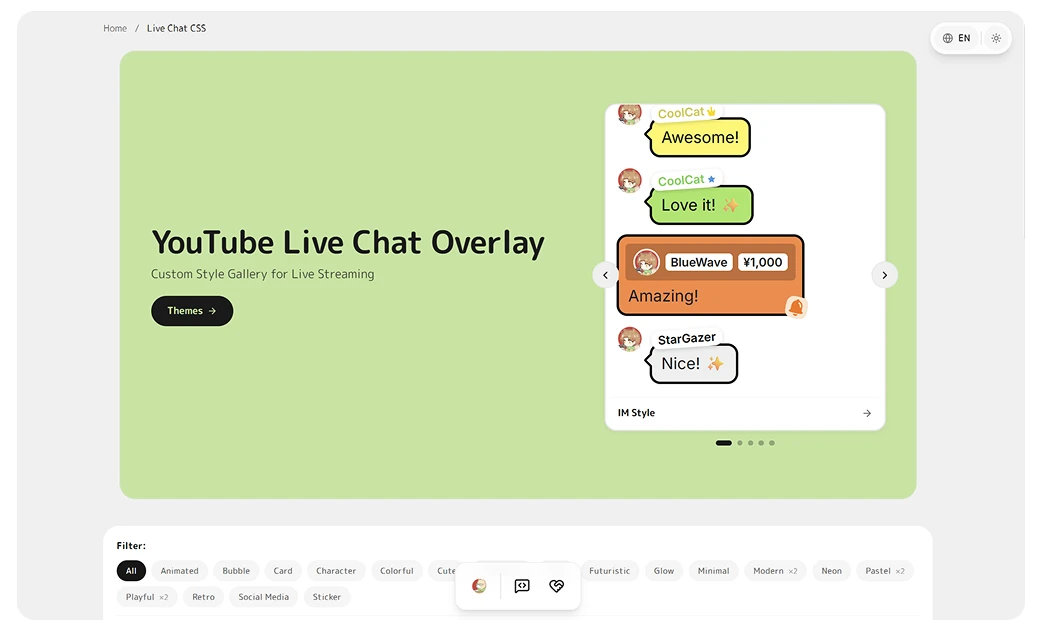
Not sure whether to grab a free live chat overlay or pay for a premium one? Both work in OBS with no coding — you pick a theme, customize it, and paste the CSS. Here’s an honest comparison so you can choose what fits your stream.
Free live chat overlays
Doodlekuma’s free themes are full downloads, not trials — use them on stream today, with the same live customizer and export as the premium ones:
- Pinky — a cute pastel character with eyes and blush.
- Ink Sticker — retro sticker style with solid shadows.
- Twitter/X style — clean social-card layout with role badges.
- Stacked notifications — minimal, iOS-style stacked messages.
Every one is live-editable and exports both Social Stream and YouTube CSS.
Premium live chat overlays
Premium themes (a one-time purchase on Ko-fi) add richer effects and extra polish:
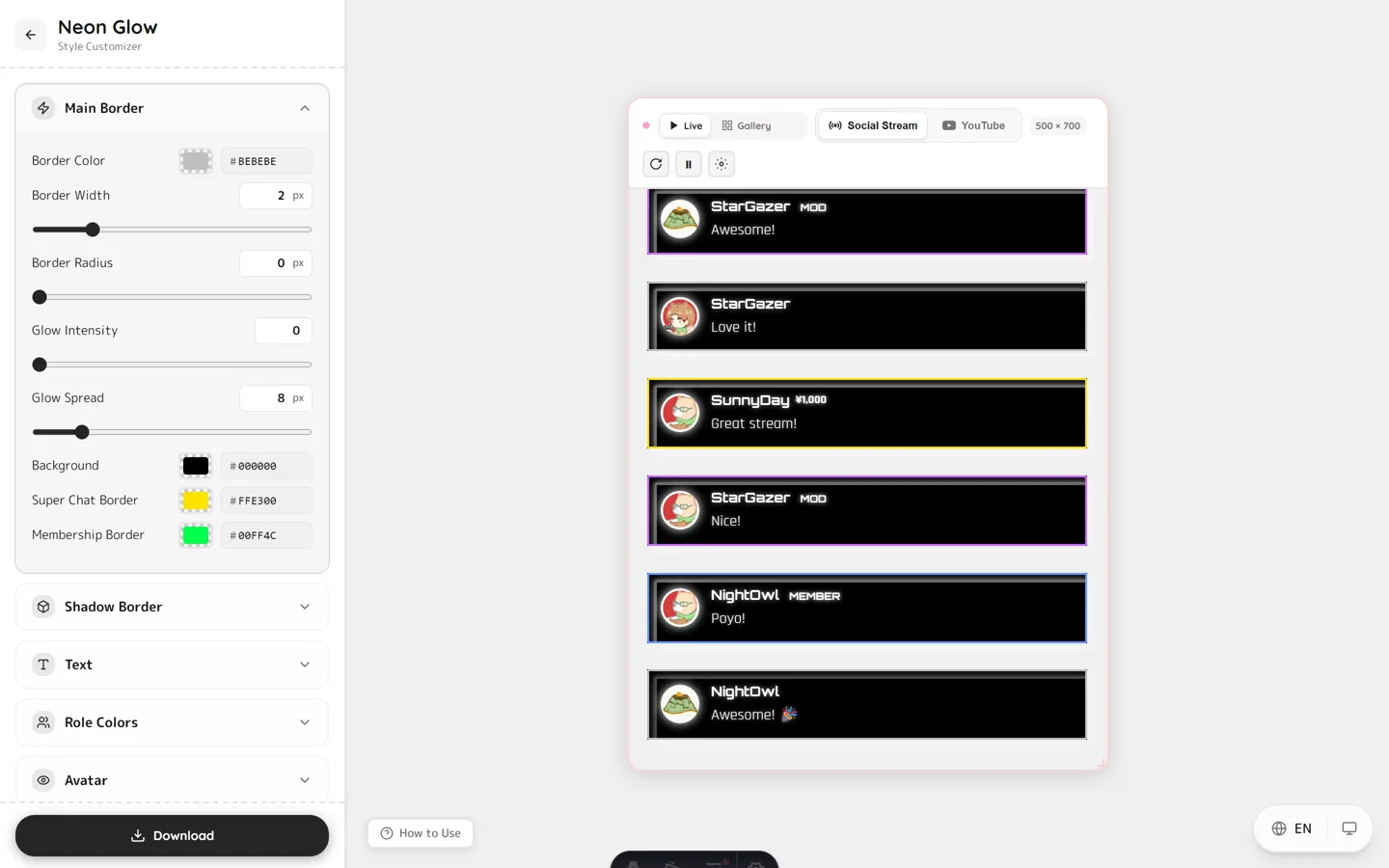
- Neon — $12 — multi-layer neon glow, optional flicker animation, and 4 color presets (Cyberpunk, Matrix, Synthwave, Arcade).
- Bubble Message — $15 — LINE/Telegram-style chat bubbles with rich pop-in and bounce animations.
- Paper Note — $10 — cozy paper-collage style that supports YouTube, Twitch, Kick and 120+ platforms.
Which should you use?
- Just starting or casual streaming → a free theme is more than enough.
- Want a signature look, a VTuber brand, or extra Super Chat polish → a premium theme is worth the one-time cost.
- Not sure? Open the live preview for any theme and try it before you decide — free and premium both preview in-browser.
FAQ
Are the free themes really free?
Yes. They are complete downloads, not time-limited trials, and there is no watermark.
Do premium themes have a recurring fee?
No. Premium themes are a one-time purchase on Ko-fi — download and keep.
Can I customize both free and premium themes?
Yes. Every theme opens in the live customizer, where you adjust colors and effects and export your own CSS.
Do both work in OBS and with Social Stream Ninja?
Yes. Free and premium themes both work in OBS/Streamlabs and with Social Stream Ninja across 120+ platforms.
Ready to pick? Browse the live chat gallery — try a free theme now, or unlock a premium one on Ko-fi.