Looking for the best YouTube live chat CSS theme for your stream? Every theme below works in OBS with no coding — pick one, customize it in the live editor, and export the CSS for the native YouTube popout or Social Stream Ninja. Here are the top picks for 2026, and who each suits best.
1. Neon — best for gaming streams
Multi-layer neon glow with an optional flicker animation and four color presets (Cyberpunk, Matrix, Synthwave, Arcade). A bold, high-energy look that suits gaming and cyberpunk scenes. → Neon theme ($12)
2. Bubble Message — best for cozy & VTuber chat
Soft LINE/Telegram-style chat bubbles with rich pop-in and bounce animations. Warm and friendly — great for VTubers and just-chatting streams. → Bubble Message ($15)
3. Pinky — best free cute overlay
A round pastel character with eyes and blush; adorable and 100% free. Perfect for VTubers and kawaii layouts. → Pinky theme (free)
4. Paper Note — best for cozy / study streams
A cozy paper-collage style with tape accents, made for warm, crafty rooms and study-with-me layouts. Supports YouTube, Twitch, Kick and 120+ platforms. → Paper Note ($10)
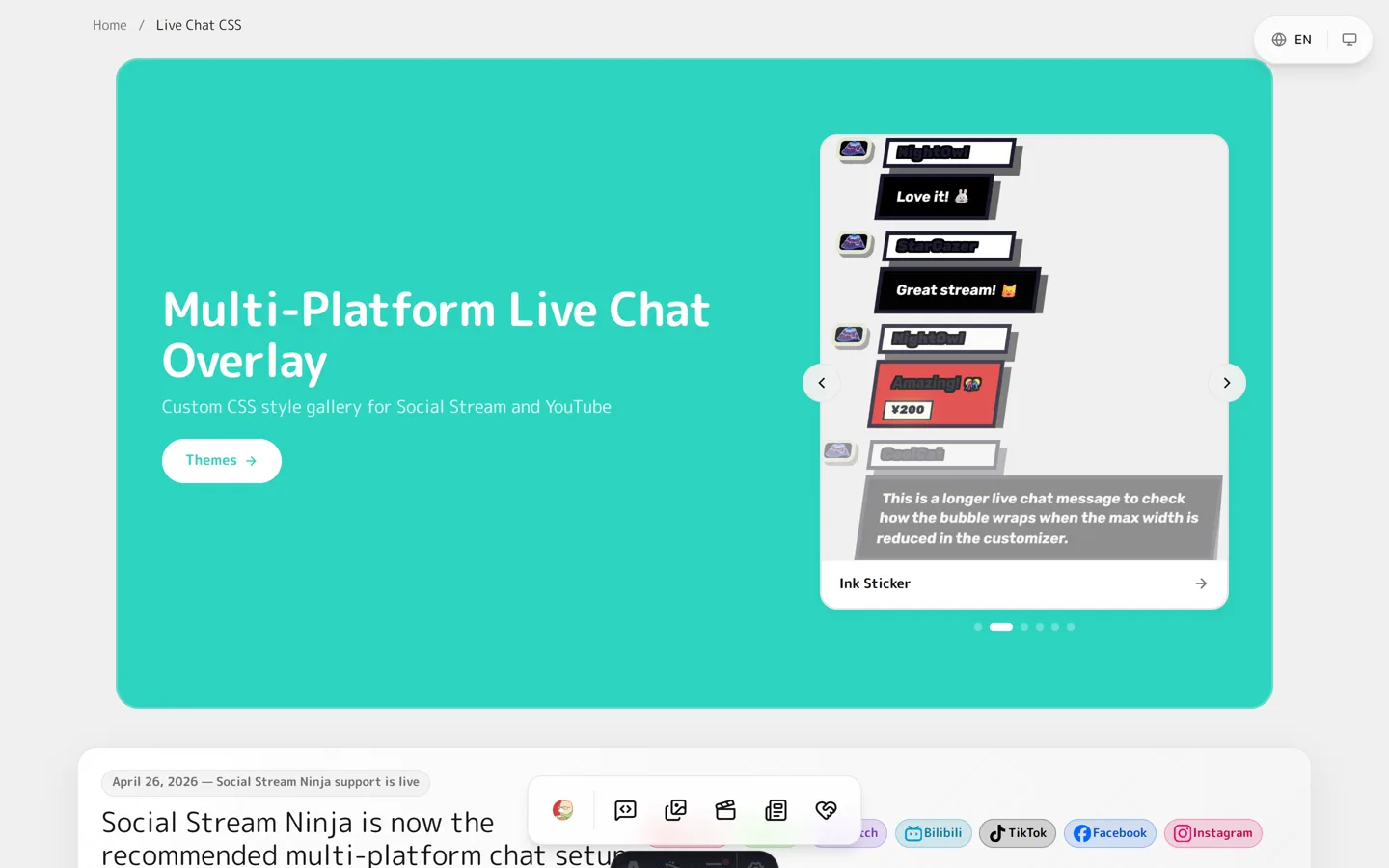
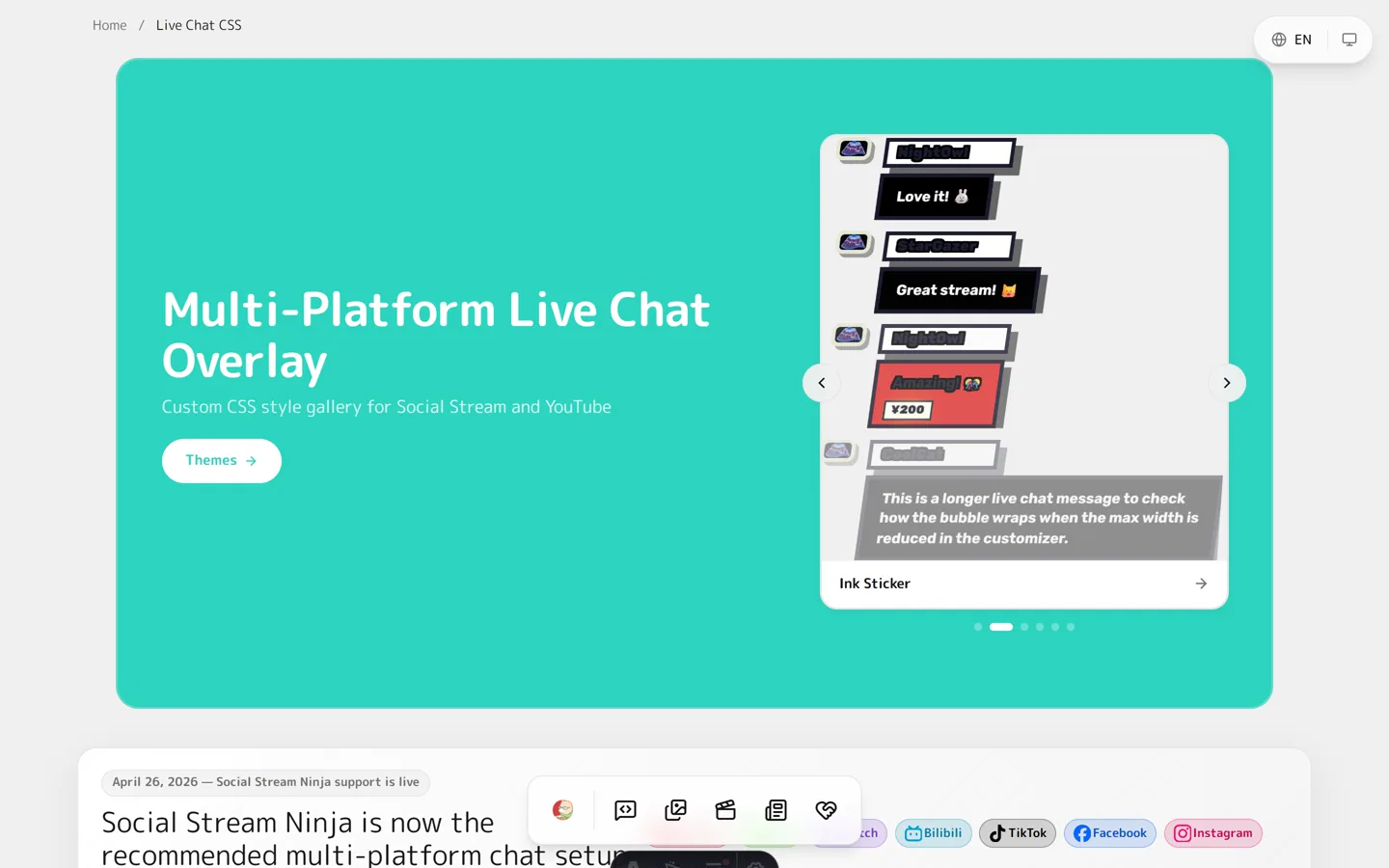
5. Ink Sticker — best retro look (free)
Retro sticker style with high-saturation colors and solid drop shadows. Playful and punchy. → Ink Sticker theme (free)
6. Twitter/X Style — best clean look (free)
A clean social-card layout with avatars, handles, timestamps and verification badges. Minimal and easy to read. → Twitter/X theme (free)
7. Stacked Notifications — best minimal overlay (free)
iOS-style layered notifications that show only the latest messages, stacking older ones with a subtle scale. Clean and unobtrusive. → Stacked Notifications (free)
How to use any of these
- Open a theme and customize colors, fonts and effects in the live editor.
- Export the CSS (Social Stream or YouTube version).
- Paste it into an OBS Browser Source’s Custom CSS box. Full guide: Getting Started with YouTube Live Chat CSS.
FAQ
Which live chat theme is best for VTubers?
Pinky, Bubble Message and Paper Note are the most popular VTuber picks for their cute, cozy looks — but every theme is customizable to match your model.
Are these themes free?
Several are completely free (Pinky, Ink Sticker, Twitter/X, Stacked Notifications). A few premium themes are one-time purchases on Ko-fi — see Free vs Premium Live Chat Overlays.
Do they work with Twitch and TikTok too?
Yes. With Social Stream Ninja, the same Social Stream CSS styles chat from YouTube, Twitch, TikTok, Kick and 120+ platforms.
Found your favorite? Open the live chat gallery, pick a theme, and style your YouTube live chat in minutes.